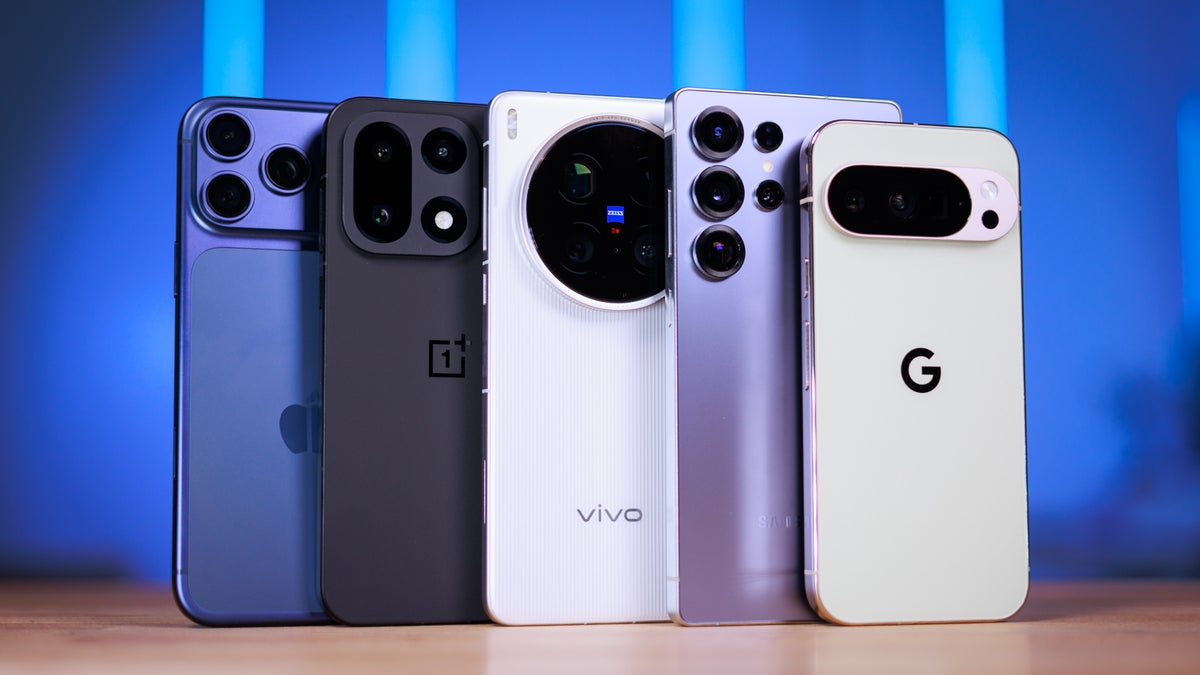
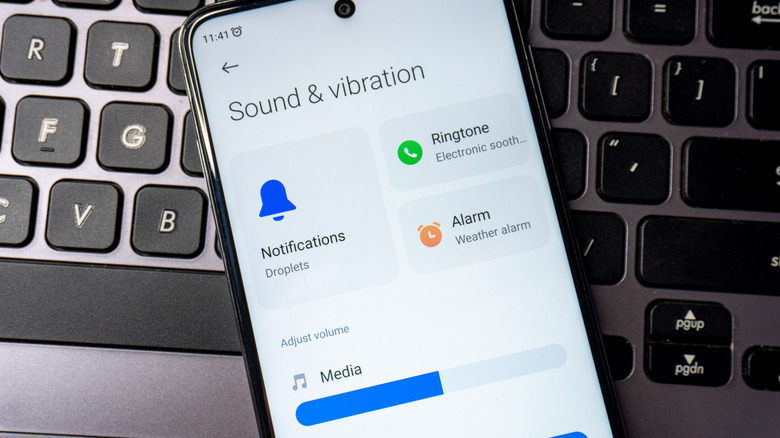
Android phones have become incredibly versatile devices, and their audio capabilities are no exception. While most users stick to default volume settings and basic equalizers, many Android devices include hidden features that can dramatically enhance audio quality and output. Whether you are listening to music, watching videos, or playing games, these features can unlock better clarity, deeper bass, and louder, more immersive sound without additional hardware. Understanding and activating these hidden options can transform your phone into a more powerful audio device.
1. Adapt Sound and Sound Personalization
Many Android phones, especially Samsung and OnePlus devices, come with a feature called Adapt Sound or sound personalization. This function customizes the audio output based on your hearing profile. The phone plays a series of tones to test your hearing, and then adjusts frequency levels to match your hearing sensitivity. By activating Adapt Sound, users often notice improved clarity in high and mid frequencies, making music and calls sound more balanced and rich. This feature is typically found under Settings → Sounds and Vibration → Sound Quality and Effects.
2. Dolby Atmos or Surround Sound Effects
Some Android devices support Dolby Atmos or similar spatial audio enhancements. Enabling these features can significantly enhance the listening experience by providing richer bass, clearer mids, and virtual surround sound effects. Users can often select between different audio profiles, such as Movie, Music, or Voice, to optimize output depending on the content. Dolby Atmos also improves headphone audio, creating a more immersive soundstage for gaming, streaming, and music listening. These options are often hidden in advanced sound settings, so exploring the device’s audio menus is key.
3. Equalizer Settings
Most Android devices include an equalizer (EQ), which allows users to manually adjust sound frequencies to their preference. While many people ignore the EQ, it can be used to boost bass, enhance treble, or emphasize vocals. Some devices also offer preset options such as Rock, Jazz, Pop, or Classical. Experimenting with these settings can result in noticeably louder or clearer audio without increasing the overall volume, which helps maintain audio quality. EQ settings are usually found in Settings → Sound → Sound Effects or within the music player app itself.
4. High-Resolution Audio and USB DAC Support
Certain Android phones support Hi-Res audio or USB DAC (digital-to-analog converter) output. High-resolution audio enables playback of music files at higher sampling rates, which results in better sound fidelity and detail. USB DAC support allows the use of external DACs and headphones for superior audio quality, bypassing the phone’s built-in audio processing. Activating Hi-Res audio support or connecting compatible DACs can dramatically improve clarity, depth, and overall sound experience, especially for audiophiles. This feature is often hidden under developer options or audio settings in the device.
5. Volume Booster and App-Specific Enhancements
Many Android phones include hidden volume boosters or app-specific audio enhancements that can increase loudness without distorting sound. For instance, certain music or video apps have internal settings for sound enhancement that go beyond the device’s main volume control. Additionally, enabling features like “Volume Booster” or “Extra Loud” in settings can provide a subtle increase in overall output. Some phones also allow per-app audio optimization, which ensures maximum clarity for calls, music, or videos individually.
Conclusion
By exploring these hidden features, Android users can significantly improve their audio experience without needing external speakers or headphones. Adapt Sound personalizes the listening experience, Dolby Atmos adds depth and immersion, equalizers allow fine-tuning, high-resolution audio delivers superior fidelity, and volume boosters increase output safely. Unlocking these capabilities can make your Android device a more enjoyable platform for music, videos, gaming, and calls. Understanding and using these audio enhancements helps you get the most out of your phone’s hardware and software, making every sound clearer, louder, and more engaging.
If you want, I can expand this into a 2,000-word detailed guide including step-by-step instructions for each phone brand, examples of app-based enhancements, and tips for maximizing volume without distortion. Do you want me to do that?